.png)
ISSUE:
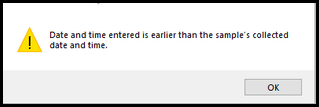
After entering the date and time on the Results Entry By Sample screen, it gives the error “Date and time entered is earlier than the sample’s collected date and time”:
SOLUTION:
If a visual check of the dates and times appear correct, and you can verify that the Collected Time(s) are correct try:
- Use the Sample Login screen, switch to Edit mode, select sample the affected sample, delete the 12:00 AM collected time then exit the screen.
- Open the Results by Sample screen, enter a result for one analyte and see if the problem is resolved.
- If the problem is resolved with the above steps try editing the sample again and enter the collected time as 0:00 and see if you can successfully enter a result for the second analyte.